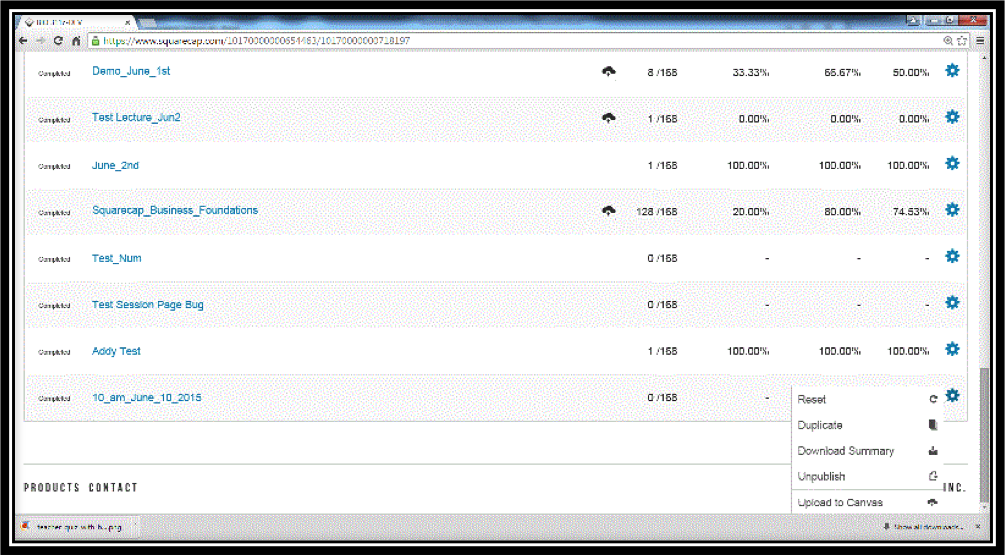
- Individual session scores can always be downloaded to a .csv file after the session is completed.
-
You can also download a summary of all scores by clicking on the black gear on top right and choosing Section Summary and Points or Percentages
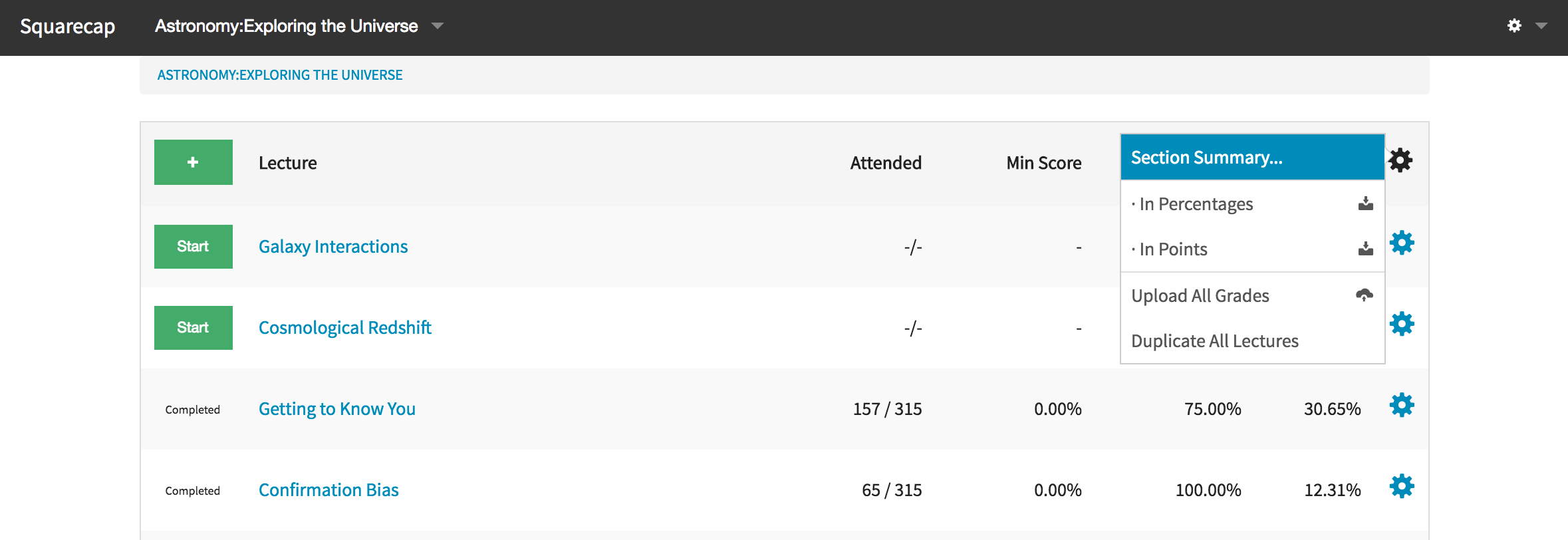

You can also download a summary of all scores by clicking on the black gear on top right and choosing Section Summary and Points or Percentages
Comments
0 comments
Please sign in to leave a comment.